Product Overview
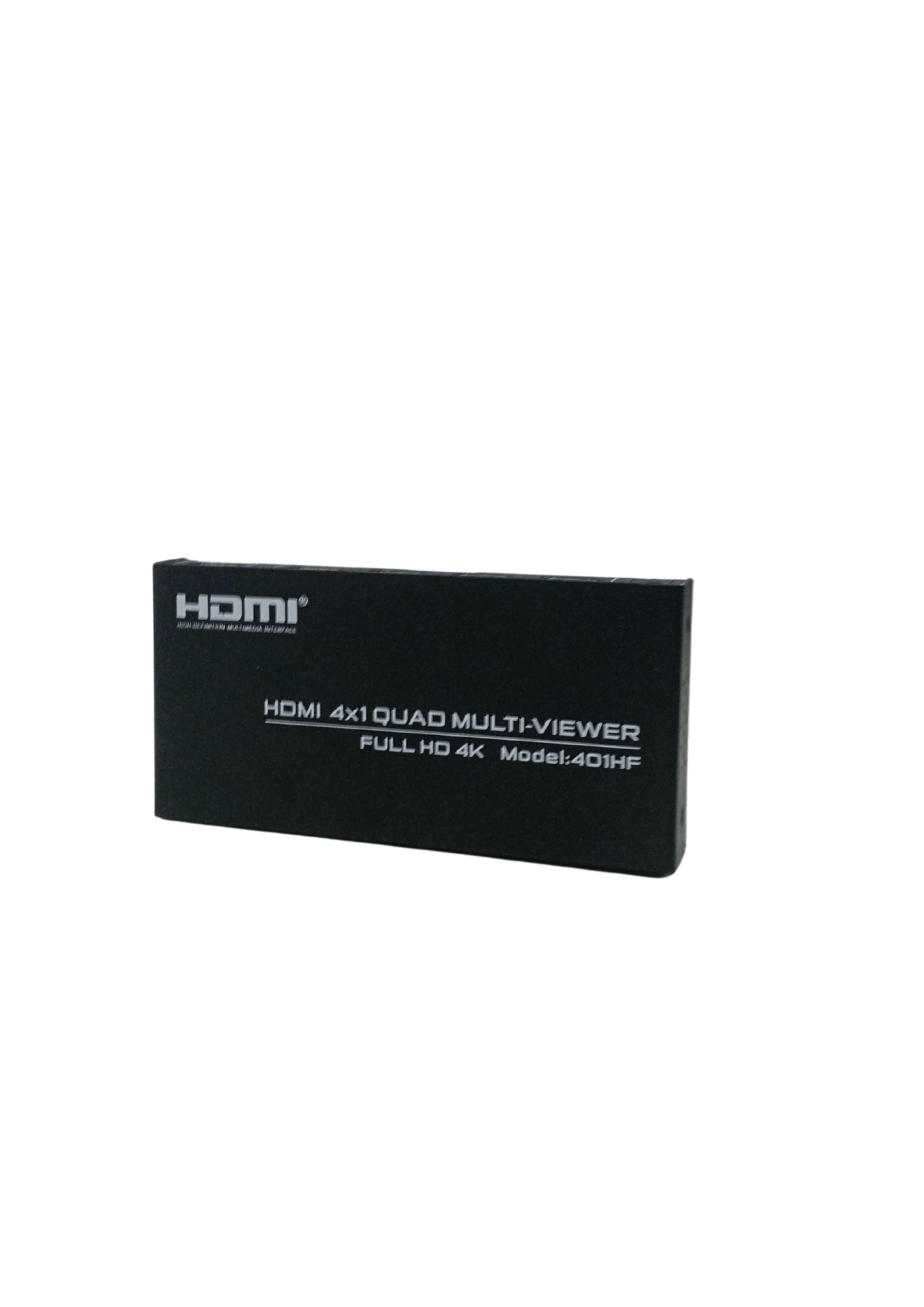
The HDMI Multi-View Switcher is a professional-grade device designed to display multiple HDMI video sources simultaneously on a single screen. It’s a powerful solution for environments where real-time monitoring, multitasking, or centralized control is required. Whether in security surveillance, broadcasting, or data analysis, this device enhances workflow efficiency by combining high-resolution display output with versatile audio and control options.
Key Features
-
Multi-View Display: Capable of showing multiple HDMI input sources on one screen simultaneously — perfect for monitoring, surveillance, or comparison tasks.
-
Seamless Switching: Easily toggle between different multi-view layouts or switch to a single full-screen mode with smooth transitions, ensuring uninterrupted workflow.
-
High-Resolution Support: Supports display resolutions up to 4K@60Hz and 2K@60Hz, delivering sharp and detailed visual output.
-
Audio De-embedding: Built-in support to extract audio from HDMI sources and output via analog or optical fiber audio ports — suitable for separate audio systems or monitoring.
-
Multiple Control Options: Offers flexibility in operations with:
-
Front panel buttons
-
IR remote control
-
RS-232 commands (ideal for integration with automation systems)
-
Applications
-
Security Monitoring Rooms: Monitor feeds from multiple CCTV cameras on a single display without switching between sources.
-
Broadcast Control Rooms: Manage multiple live input feeds and keep track of them all in real-time.
-
Video Conferences: View different participants or input devices like presentation and camera feeds at once.
-
Gaming and Streaming Setups: Display content from multiple consoles or PCs on one screen for comparative gameplay or live production setups.
-
Corporate Environments: Combine video inputs from different departments or branches for centralized reporting or dashboard viewing.